How to Open an Optical Store: The Operational Startup Guide

Most guides about opening an optical store stop at the business plan and the lease. Useful, but they leave you standing in an empty shop on day one wondering how you’ll actually sell a pair of glasses. This guide is about the operational side, the systems and routines that turn four walls and a stock of frames into a working salon. Think of it as the part that happens after the paperwork is signed.
Key insights
Here’s what the operational side of opening a store really comes down to, before we walk through each piece. A store opens smoothly when the daily workflow is decided before the doors do.
- Location and layout shape how customers move and how many you can serve at once.
- Stock decisions determine your cash tied up on shelves and how quickly you can fulfil an order.
- Your systems, especially how you sell and record a lens order, decide whether day one feels calm or chaotic.
- Staffing and permissions matter from the first hire, not the fifth.
- Getting found online, including online booking, brings people through the door before you’ve spent a cent on advertising.
Where should you open, and how big should the space be?
You should open where your target customers already walk, in a space just big enough to serve them comfortably without paying for square metres you won’t use. Before you fall in love with a beautiful corner unit, it helps to think in terms of zones, because an optical store isn’t one room doing one job.
A typical salon needs a display area for frames, a seated space for fittings and consultations, somewhere semi-private for an eye examination if you offer one, and a small back area for stock and lab handovers. Sketch how a customer moves from browsing to sitting down to paying, and you’ll quickly see whether a space works or forces awkward detours. The table below gives a rough sense of how a modest unit might be divided.
| Zone | Purpose | Rough share of floor |
|---|---|---|
| Frame display | Browsing & brand feel | ~40% |
| Fitting & consultation | Seated selling, measurements | ~25% |
| Examination room | Eye exams (if offered) | ~20% |
| Back office & stock | Inventory, orders, admin | ~15% |
Don’t over-index on size. A smaller, well-organised store where staff can find everything usually outperforms a large one where products and information are scattered.
7-day free trial
Got Any Questions? Let us know in the Contact Us form below.
How much stock do you actually need to launch?
You need enough stock to give customers a real choice without draining your opening budget on frames that gather dust. Every frame on the shelf is money you’ve spent that hasn’t come back yet, so the goal at launch is range, not volume.
A practical way to think about it: cover a spread of price points and styles, hold a modest depth in each, and lean on your lens supply chain rather than trying to stock every lens combination physically. This is where your software carries real weight. In Glasson, you have access to a complete catalogue of lenses alongside your own optical collection, with eyeglass lenses, frames, contact lenses, and accessories all in one place. You don’t need every lens sitting in a drawer if you can find and order the exact one in seconds.
That ordering flow matters because it changes your cash position. Instead of pre-buying lens stock on a guess, you sell first and order the precise lens the client needs. The Glasson Inventory keeps supplier and contact details in the same place, so reordering isn’t a scavenger hunt through old emails.
- Frames: a broad range across price tiers, shallow depth per model at first.
- Lenses: lean on the catalogue and search rather than heavy physical stock.
- Accessories: cases, cloths, cleaning sprays, contact solutions for easy add-on sales.
- Suppliers: keep contact and delivery details stored where you place orders.
Which systems do you set up before day one?
Before day one you set up the system you’ll sell through, because that’s the tool your whole day runs on, and configuring it later while customers wait is a nightmare. A new optician often underestimates this and treats software as an afterthought. The stores that open calmly are the ones that had their sale flow, stock, and client records ready before the first customer walked in.
With a platform like Glasson, this setup is refreshingly light because it’s cloud-based; you just need a device with internet access, and there’s nothing to install or maintain on a server in the back room. Getting ready to trade means loading your products, setting your services and prices, and getting comfortable with the sale flow. The Glasson Administration tools even let you build a digital service list with names, prices, tax rates, and durations that plug straight into orders.
You’re not on your own for this part either. Glasson provides technical support by phone and screen sharing, including onboarding for your staff, so the setup isn’t something you have to figure out alone the night before opening. It’s a bit like getting the keys to a new car with someone in the passenger seat for the first drive, rather than being handed the manual and wished luck.
Want to see Glasson's full potential?
Book a presentation
How do you handle staff and their access from the start?
You handle staff access by deciding early who can see and do what, rather than giving everyone the keys to everything. Even if you open with one or two people, this habit protects you as you grow, and it’s far easier to set up cleanly than to untangle later.
Glasson offers a range of permission levels, so a staff member has access to the data they need and nothing more. A part-time sales assistant doesn’t need to see your full financial reports, and setting that boundary on day one is simpler than reassigning it after a busy season. The Optician plan supports an unlimited number of staff members, so hiring your third or fourth person doesn’t mean paying more per seat.
Because everything sits in one shared system, a new hire doesn’t need to be briefed on where things are kept. Client records, prescriptions, stock, and orders live in the same place for everyone, which shortens the “where do I find…” phase of training considerably.
“The founders who open smoothly are almost always the ones who decided how they’d sell before they decided on the paint colour. Your software isn’t back-office furniture; it’s the counter, the catalogue, and the memory of your business. Set it up first, load your products, and day one becomes serving customers instead of fighting fires.”
— Marcin Debski, Product Manager @ Glasson
How do you get customers through the door in month one?
You get customers in by making it easy for them to find and book you, ideally before you’ve spent anything on advertising. Your first month is about being visible and being effortless to deal with, and a surprising amount of that is now handled by letting people book themselves in.
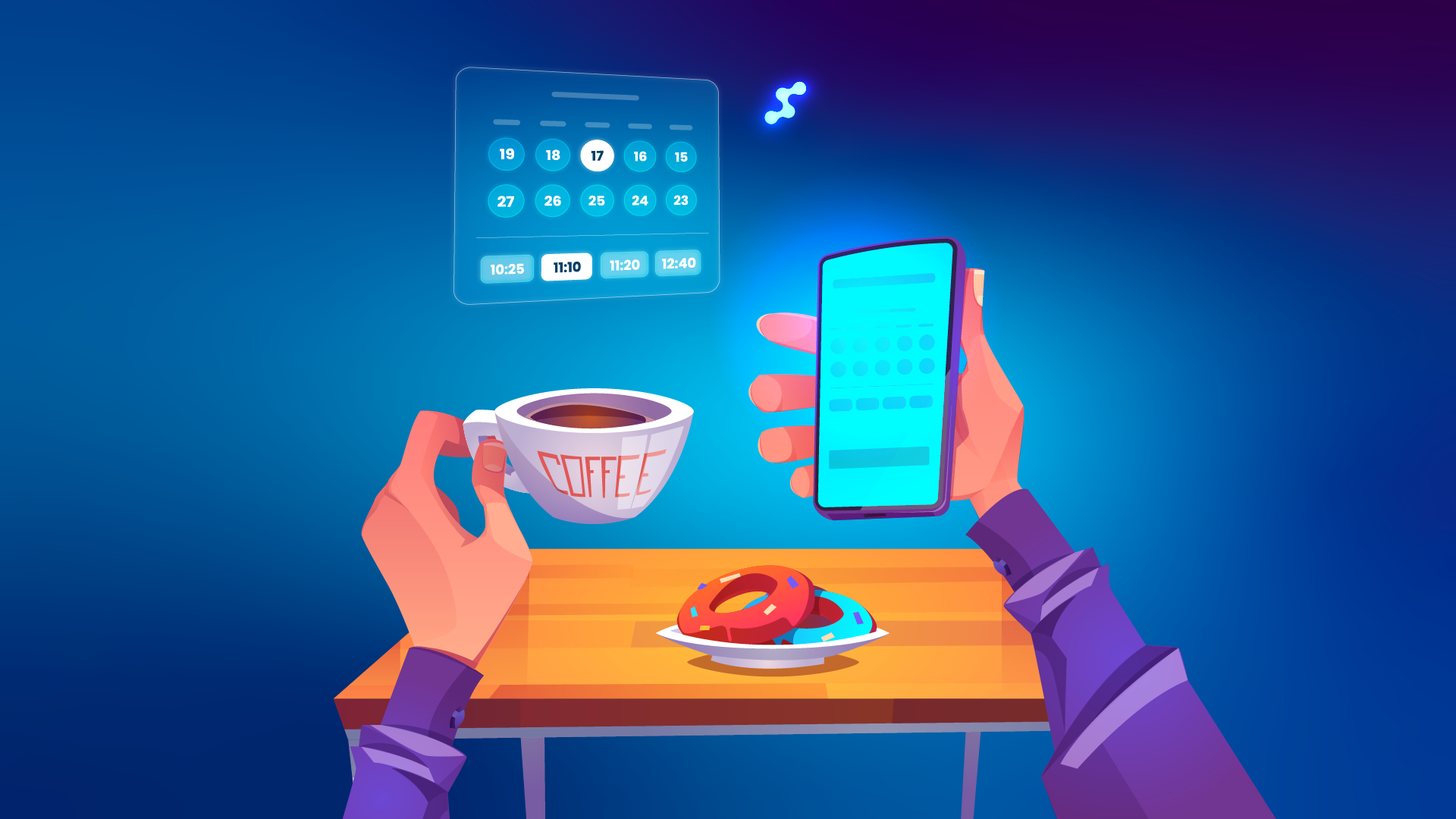
Clients increasingly expect to book online without calling or waiting for confirmation. With Glasson Online Reservation, your practice gets its own public booking link to share on your website, Facebook, or Google, and clients can book 24/7, even when you’re closed. Every appointment someone books at 10pm on their sofa is a customer you didn’t have to chase. Each booking is confirmed by SMS, which cuts down on fake reservations.
Once someone’s been in, keeping them is cheaper than finding the next new face. Glasson Communication lets you send appointment reminders and simple marketing messages, so a first visit can turn into a second. According to Glasson’s own figures, 85% of clients find a text reminding them to collect their eyeglasses helpful, and that little touch is the kind of thing new stores forget in the opening rush.
Test Glasson for 7 days free of charge
Any questions? Leave your contact details and we'll call you back.
How do you know if the store is actually working?
You know it’s working by watching real numbers from week one, not by waiting for the accountant three months in. In the early days it’s tempting to run on vibes and a full-looking till, but that’s exactly when clear data protects you from expensive mistakes.
Glasson Statistics gives you revenue, sales monitoring, staff performance, and daily stock levels, presented in a way that’s readable even when you’re busy. You can pick a custom period and see what’s selling, and a Top 10 sales view tells you which products and clients are driving the business. Ever made a business decision based on “what feels right” and regretted it later? Opening month is the worst possible time to guess.
All of this rests on your client base, which you start building from the very first sale. Glasson Clients keeps personal details, prescriptions, and sales history in one record, and it’s worth knowing that 67% of stores don’t collect their client sales data at all. Starting with that data from day one puts you ahead of a big share of the market before you’ve even hit month two.
Frequently asked questions

Do I need software before I open, or can I add it later?
Set it up before you open. Your sale flow, stock, and client records all run through it, and configuring it while customers wait is far harder than doing it in advance.
How much frame stock should a new store hold?
Aim for range over depth at launch. Cover several price points and styles with modest quantities, and rely on lens search and ordering rather than heavy physical lens stock.
Do I have to physically stock every lens type?
No. Glasson gives you a complete lens catalogue and fast search, so you can sell the sale first and order the exact lens the client needs afterwards.
Is Glasson complicated to set up as a first-timer?
It’s cloud-based with nothing to install, and support is included. Glasson provides onboarding by phone and screen sharing, so you’re guided through the setup rather than left to work it out alone.
Can I control what my staff can see?
Yes. Glasson offers a range of permission levels so each staff member accesses only the data they need, which is best set up from your first hire.
How do I get my first customers without a big ad budget?
Make booking effortless. Glasson’s online reservation gives you a public link to share on your site and social channels, letting clients book 24/7 without calling.
What ongoing costs should I plan for beyond rent and stock?
Budget for your software subscription and messaging. Glasson’s Optician plan starts from $149 net per month, and premium SMS starts from $0.10 per message.
Should I collect customer data from day one?
Absolutely. Most stores don’t, and building a client base with prescriptions and purchase history from your first sale puts you ahead of a large share of the market.
How soon can I tell if the store is profitable?
From week one, if you track it. Glasson Statistics shows revenue, sales, and daily stock levels over any period you choose, so you’re not waiting months to see the picture.
Can Glasson grow with me if I open a second store?
Yes. It supports chain stores from one account with a shared client base and inventory, so a second location plugs into the system you already know.