“I Just Got My Life Back” — How Maria Brejnak Runs Two Optical Practices on Glasson

Maria Brejnak is an optician, optometrist, and business owner who has been running two practices for nine years. For most of that time, she managed everything the traditional way: paper calendars, filing cabinets full of patient data, Excel spreadsheets, and a stubborn optimism that it was all under control. It wasn’t. When she opened her second location and the late nights started piling up, she decided something had to change. She switched to Glasson — and within three weeks, the paper calendar was in the bin.
Key Insights
Here’s what Maria’s experience shows about the real challenges of running an independent optical practice — and what changes when you solve them properly.
- A turning point is realizing that you have lost control over your business. Managing one practice on paper is hard. Two is unsustainable.
- The fear of losing patient data holds more people back than the fear of learning new software. Migration anxiety is real, and usually unfounded.
- Good teams push for change before owners do. Maria’s staff were the ones who nudged her forward after one inventory count too many.
- A phased rollout works. Patient records first, then orders, then inventory, then online booking — each step building confidence before the next.
- The biggest gain is personal. Maria wasn’t optimizing for KPIs. She wanted her evenings back.
- Patients experience the software as the optician’s memory. A full patient history one click away looks, to the patient, like extraordinary personal attention.
- Glasson is practice management software built specifically for optician. Maria used it to run two independent practices from a single dashboard — scheduling, patients, inventory, communication, and clinical records in one place.
Watch the Interview
You can explore the full interview in the written version below, or, if you prefer, watch the recorded conversation to hear Maria’s insights and experience firsthand.
Sign up for a free consultation here.
Background: Two Practices, One Spreadsheet, and a Lot of Post-It Notes
Ask Maria to describe how her practices were organized before Glasson, and she doesn’t sugarcoat it.
“I think everything was everywhere. We had some files in the cabinet. My shelves were full of patient data. We had some notes in Excel. We had some post-it notes. Basically, they were everywhere. And there was chaos.”
That chaos had concrete consequences. Without a digital booking system, scheduling ran through a paper calendar — which meant overlapping appointments were a regular occurrence. Two patients booked into the same slot, both showing up on time, both expecting to be seen. Maria describes the result plainly:
“Everybody was coming at the same time and we had to juggle who to serve first. This created chaos and our image was — not the best, I would say.”
Inventory was its own problem. Stocktaking was a manual, time-consuming process with no real-time visibility over what was in stock, what had been ordered, or what was coming in. As Maria put it:
“I had this impression that we had no power over our orders. And inventory was a nightmare. It took forever.”
The Challenge: Knowing You Need to Change and Still Not Doing It
Maria Brejnak knew she needed to act. What stopped her was a combination of fears that will be familiar to anyone running an independent practice.
Fear of losing patient data
By the time Maria started thinking seriously about going digital, her practice had thousands of patients in its records. The idea of a migration going wrong — data lost, corrupted, inaccessible — was genuinely frightening. This is one of the most common barriers to adoption among independent practice owners, and it held Maria back longer than anything else.
The “it’s only for big chains” assumption
Maria also carried a belief that practice management software was for large optical chains, not a two-location independent. It’s a misconception that keeps a lot of small practice owners running on patchwork systems far longer than necessary.
“I thought this is only for the big chains. My organization is so small. And I thought to myself: you have to make a change. But something stopped me. I don’t know what this was. But I was blaming myself. I did it all the time.”
The team factor
Interestingly, it was Maria’s staff who eventually tipped the balance. After another day-long inventory count that ate into everyone’s time, the team collectively decided they needed a better way. Maria credits them directly:
“Frankly, they pushed me somehow into going digital. After yet another inventory count that took forever, we decided we have to change something. Thank you guys.”
The breaking point came when she opened her second location. More patients, more orders, more administrative work — and the same paper-based system trying to hold it all together. It wasn’t. One late night going through paperwork was the final push:
“I had a mountain of work on my hands and it was after yet another late night spent at work going through paperwork. I said to myself: no. I had to change everything.”
Expert’s Voice
“The fear of going digital is something we hear constantly — and it’s completely understandable. But what we’ve seen time and again is that the fears independent practice owners have before switching (it’s too complex, I’ll lose my data, my team won’t cope) are almost never what actually happens. The transition is rarely as disruptive as people expect. What surprises them most is how quickly their team adapts — and how much mental space they get back once they’re not managing everything in their heads.”
Marcin Debski, Product Manager @ Glasson
The Solution: Glasson, Introduced in Stages
When Maria finally decided to move, she did it the right way: incrementally. Rather than switching everything at once and overwhelming her team, she introduced Glasson one module at a time.
Phase 1: Patient records
The first module to go live was client management — getting patient data into Glasson and out of the filing cabinets. This was the highest-anxiety step given her concerns about data security, so starting here and seeing it work smoothly built the confidence to keep going.
Phase 2: Order tracking and inventory
Next came order tracking, followed by inventory management — the module that had caused the most pain. Moving stocktaking into Glasson replaced a process that “took forever” with something manageable and visible in real time.
Phase 3: Online booking and automated communication
With the team comfortable in the system, Maria activated online reservation — ending the paper calendar and the overlapping appointments it had caused. Automated communication — appointment reminders, follow-up messages — was added last, removing another layer of manual admin.
Maria describes her own rollout honestly, including the two-to-three-week period where she kept parallel records — online and on paper — before fully trusting the system:
“I had trust issues. I had a double record of my patients — online and on paper. Can you imagine how long that took? It took forever. But I didn’t last long. After two or three weeks, everything was 100% online and I was thrilled.”
The paper calendar eventually went in the bin. The shelves of patient files got cleared. The practice — both of them — started running the way Maria had always wanted them to.
Results: What Changed After the Switch
When Maria Brejnak was asked to name the three most concrete improvements after switching to Glasson, she organized her answer around the three groups that matter in any practice: herself, her team, and her patients.
For Maria: less stress, clearer overview
The most immediate change was personal. Less cognitive load. A clear view of both practices from a single dashboard. No more late nights going through paperwork, no more feeling like she was constantly playing catch-up. This was, in her own words, the whole point:
“It wasn’t about the staff or the clients. Frankly, selfish as it sounds, I just wanted my life back. I wanted to have everything organized and run smoothly. And I think that’s it.”
For the team: confidence and professional image
Maria’s staff adapted faster than she expected. Working from a system like Glasson gave them tools that matched the quality of care they were already providing. The confirmation came from an unexpected direction — one of her employees said, unprompted, “I love working here.” Maria cites that as the moment she knew the change had landed well.
There’s something worth noting in the phrase she used to describe what her team gained: “expert image.” Tools shape how people carry themselves. A team working from professional software looks and feels different — to patients, and to themselves.
For patients: a better experience and a reason to come back
The patient-facing impact is the most interesting. Glasson’s Eye Care Module gives Maria instant access to each patient’s full history — corrections, eye conditions, previous exams, everything — the moment she opens their record. Patients experience this as something else entirely:
I keep saying I’ve tested thousands of patients and I remember everybody and everything. It has nothing to do with the technology.”
She’s joking, of course. But the effect is real: a patient who feels personally remembered is a patient who wants to come back. That’s actually the ideal outcome: the software handles the data, Maria handles the relationship. She can focus entirely on the patient in front of her — asking the right questions, noticing changes in their vision, joking around if that’s her style — because she’s not simultaneously trying to remember when they last came in or what prescription they’re on.
“With this cool system behind me, I don’t need to worry about the logistics and I can focus on things that matter most — building strong relationships with my clients.”
Better communication and more attentive service produced a predictable outcome: patients who want to come back.
How Glasson Works for Independent Optical Practices?
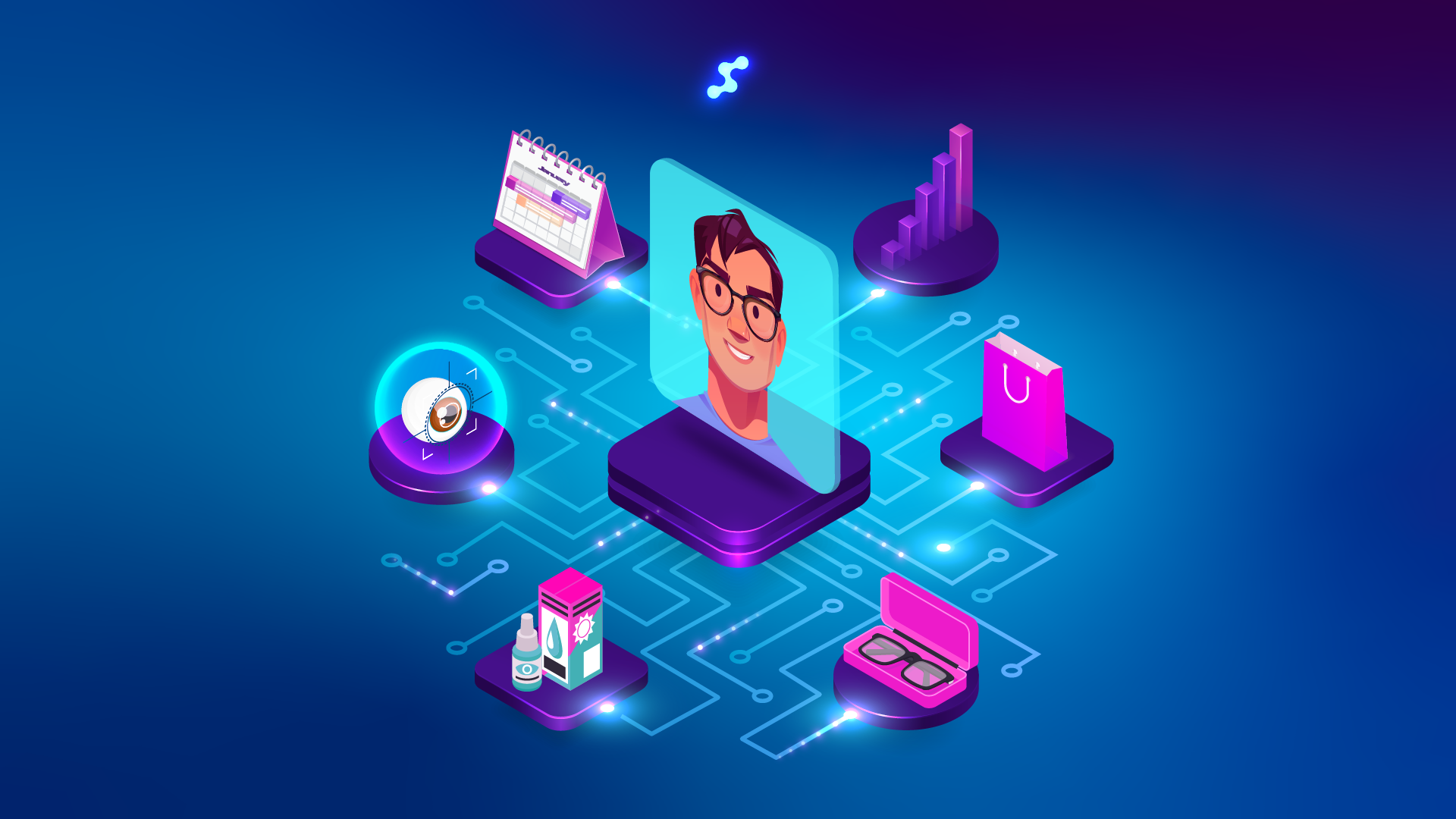
Glasson is practice management software built specifically for opticians, and optical retailers — from single-location independents to small chains. Everything runs from one dashboard, which means no stitching together separate tools for scheduling, patient records, inventory, and communication.
Here’s what Maria’s plan includes:
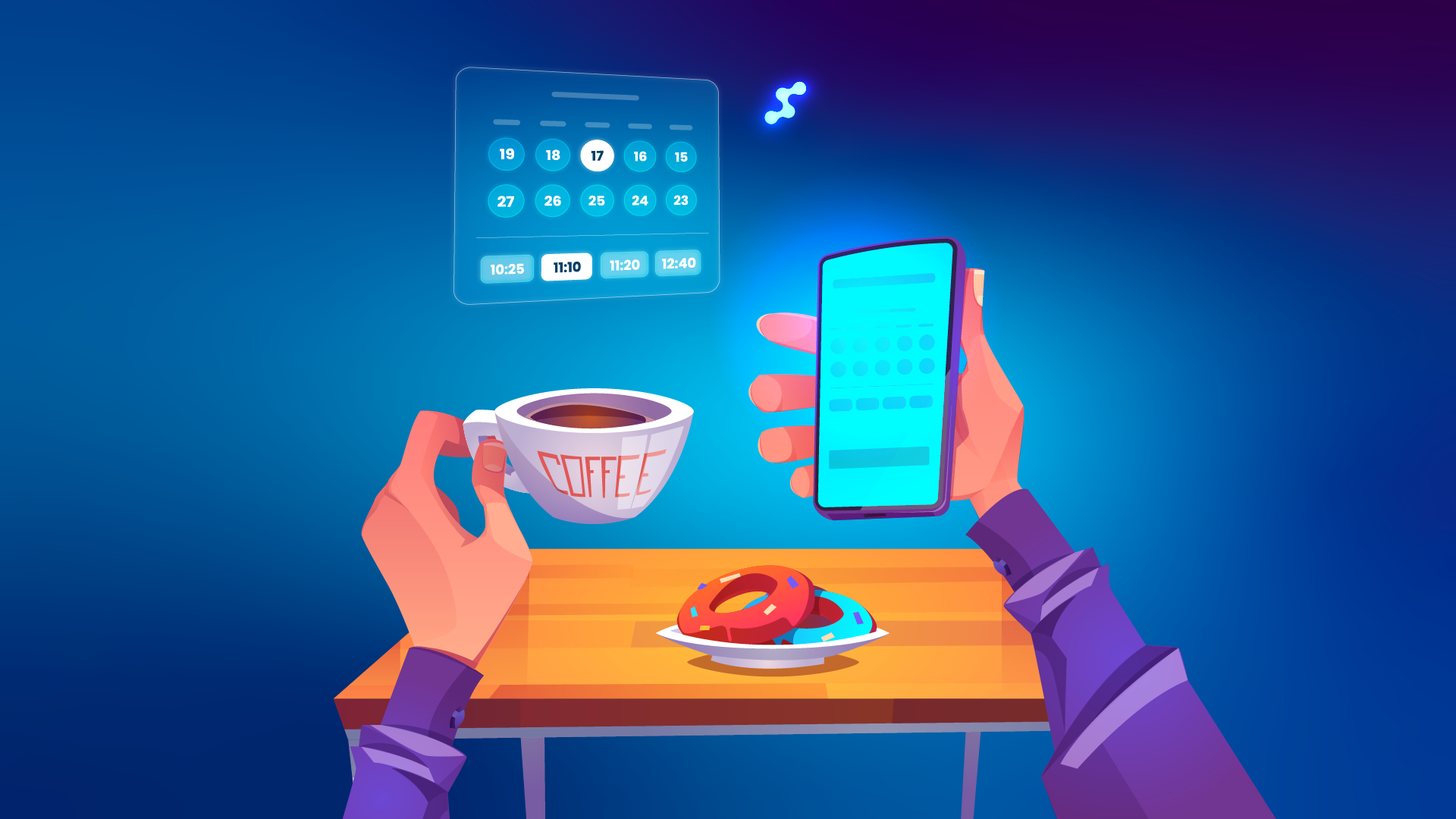
- Online Reservation — 24/7 client booking with SMS verification, configurable time slots, and automatic prevention of overlapping appointments. Clients book from a public link you share on your website, Facebook, or Google profile.
- Client Management — full patient history (prescriptions, exam results, purchase history, documents) in one place, filterable and instantly accessible.
- Inventory — real-time stock control, order tracking, delivery management, and stocktaking without the manual counting.
- Eye Care Module — structured exam records covering refraction, optometry, anterior and inner segment, patient interview, and vision correction recommendations. Everything documented and ready for the next appointment.
- Communication — automated SMS and email reminders, follow-ups, and message templates. Appointment reminders go out without anyone having to send them manually.
- Statistics — sales reports, cash flow, top products, staff performance, and more. Useful for practice owners who want to make decisions based on data rather than gut feeling.
All of it is cloud-based — accessible from any device with an internet connection. There’s also a 7-day free trial available with free registration, no card required, so you can test the system before committing to any plan.
Key Takeaways for Independent Practice Owners
Maria’s story is specific to her situation — two practices, nine years of paper-based management, a particular set of fears. But the patterns it shows are not specific at all. They repeat across independent optical practices in Canada, Poland, Germany, the UK — anywhere small practices are trying to compete and grow on limited administrative bandwidth.
If you’re running a practice and recognizing any part of Maria’s “before” in your own day-to-day, her advice is straightforward:
“Start with small steps. Don’t try to change everything at once. Try patient files or online booking — and then slowly, slowly, more and more.”
And for anyone still hesitating:
“Stop blaming yourself. I did it all the time. You’re not doing your business wrong or lagging behind everybody else. Just make a first step, slowly — and then you’re going to feel the change.”
The goal is a practice that runs smoothly enough that you can focus on what you actually opened it for — taking care of patients, building relationships, and going home at a reasonable hour.
Try Glasson Free for 7 Days
Glasson offers a 7-day free trial — no credit card required. Start with the feature that solves your biggest problem right now, whether that’s online booking, patient records, or inventory. Everything else can follow when you’re ready.
See the full pricing and plan comparison to find the right fit for your practice size.
FAQ
Questions that come up most often from independent practice owners considering the switch.
Q1: I only have one or two locations. Is Glasson worth it for a practice my size?
Yes — and arguably more so than for large chains. A big chain has dedicated admin staff to absorb the workload. An independent owner is often doing everything themselves. Software that saves you two hours a day matters more when you don’t have those hours to spare.
Q2: What if we lose our patient data during migration?
This is the most common concern and one of the least likely outcomes with a reputable system. Glasson’s onboarding process is specifically designed to make data migration safe. Maria had thousands of patients in her records and lost nothing.
Q3: Do I have to change everything at once?
No — and you probably shouldn’t. Maria started with patient records, then moved to orders and inventory, then added online booking and automated messaging. Each step built confidence before the next. A phased rollout means no one gets overwhelmed.
Q4: What if my team resists the change?
Maria expected resistance. What she got was her team pushing her toward the change. People who deal with manual, time-consuming admin every day are often the first to embrace a better system. Involve them early and let them see quick wins.
Q5: How long before it actually feels like things have improved?
Maria noticed the difference within weeks. The double-booking problem disappeared the moment online reservation went live. The inventory headaches eased once stocktaking moved into the system. Some benefits are immediate; others compound over time.
Q6: Can clients actually book appointments online without calling?
Yes. Glasson’s Online Reservation feature gives your practice a public booking link to share on your website, Facebook, or Google profile. Clients pick a time, choose their service, confirm via SMS, and they’re booked — no phone call, no chance of overlap.
Q7: What does the Eye Care Module actually contain?
It covers the full clinical workflow: patient interview, refraction, optometry, anterior and inner segment examination, vision correction recommendations, and appointment history. Everything is stored per patient and accessible at the next visit.
Q8: Is there a version of Glasson for a solo optometrist, not a retail practice?
Yes. The optometrist plan starts at $99/month and includes the Eye Care Module, single-user access, sales, services, statistics, invoices, and SMS/email communication with unlimited clients.
Q9: Is Glasson GDPR compliant?
Yes. Patient data is stored and processed according to applicable data protection regulations, with technical and organizational measures protecting it from unauthorized access, loss, or misuse.
Q10: Where do I start if I want to try it?
The 7-day free trial is the right first step. Registration is free, no credit card required. Pick one feature — online booking or patient records — and spend a week learning it. You don’t have to commit to the full system from day one. Maria didn’t.